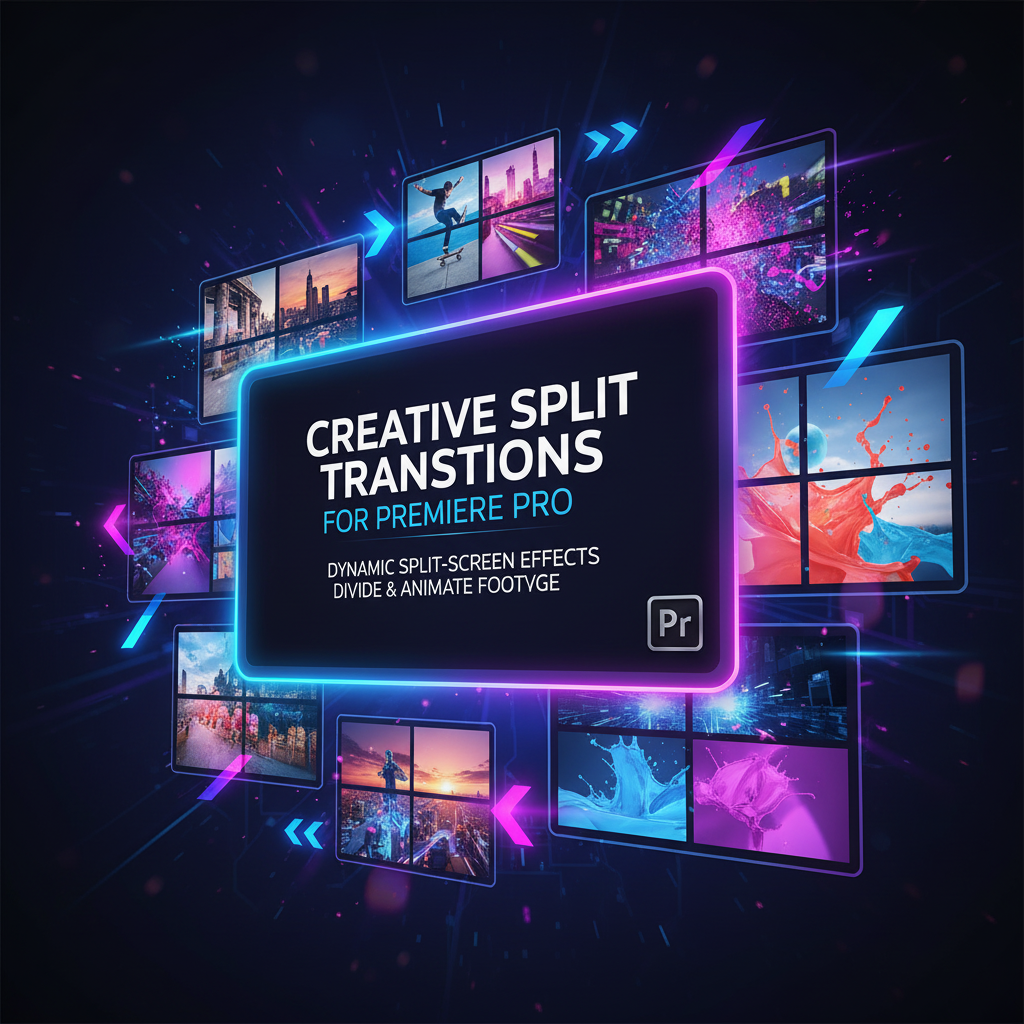
Split Transitions for Premiere Pro
9,99 €
Creative Split Transitions for Premiere Pro delivers dynamic split-screen transition effects that divide and animate footage across multiple frames. Perfect for YouTube, promos, music videos, and modern content, these transitions add energy and structure to your edits inside Adobe Premiere Pro.
Creative Split Transitions for Premiere Pro
Dynamic Multi-Frame Scene Transitions for Modern Video Editing
The Creative Split Transitions for Premiere Pro pack is a powerful collection of visually dynamic transition effects designed to divide, rearrange, and animate your footage using split-screen motion. These transitions transform standard cuts into engaging visual moments by separating the frame into multiple sections that move independently, creating energy, rhythm, and visual storytelling impact.
Instead of relying on simple wipes or fades, split transitions introduce movement across multiple frames, guiding the viewer’s eye through the transition while maintaining clarity and structure. This makes them especially effective for modern, fast-paced, and visually creative content.
Designed Around Split-Screen Motion
Creative split transitions work by dividing the screen into two or more panels that animate in different directions or sequences. This technique adds depth and motion without overwhelming the viewer, striking a balance between creativity and usability.
Common split styles included:
-
Vertical and horizontal split transitions
-
Multi-frame split movements
-
Sliding panel transitions
-
Offset frame animations
-
Staggered split motion effects
Each transition is designed to feel intentional, smooth, and visually cohesive.
Ideal for High-Energy and Creative Projects
Split transitions are especially effective in projects that benefit from dynamic pacing and visual rhythm. They help maintain viewer engagement and add a modern editorial style that feels fresh and professional.
Perfect for:
-
YouTube and social media content
-
Promotional and marketing videos
-
Music videos and lifestyle edits
-
Tech, fashion, and creative branding
-
Vlogs, reels, and short-form videos
These transitions enhance storytelling by adding motion and structure between scenes.
Built Specifically for Adobe Premiere Pro
The Creative Split Transitions pack is fully optimized for Adobe Premiere Pro, ensuring smooth playback and reliable performance. The transitions integrate seamlessly into your existing workflow and are designed to work inside Premiere Pro without complex setup.
Editors can quickly apply transitions and adjust their timing to match the rhythm of the footage. The transitions are flexible enough to work with both fast-cut edits and slower, more deliberate pacing.
Easy to Use, Flexible in Style
Despite their visually advanced appearance, these split transitions are designed for ease of use. Editors of all experience levels can achieve professional results without complicated animation work.
Key benefits:
-
Fast application within Premiere Pro
-
Adjustable duration and timing
-
Clean animation paths
-
Consistent visual quality across projects
This makes the pack suitable for both beginners and professional editors working on tight deadlines.
Enhance Visual Storytelling Without Clutter
One of the strengths of creative split transitions is their ability to add complexity while remaining clean and readable. The frame separation creates visual interest while still allowing the content to remain clear and focused.
Split transitions are especially effective when:
-
Transitioning between contrasting scenes
-
Highlighting multiple perspectives
-
Creating visual rhythm in fast edits
-
Adding emphasis between key moments
They naturally guide the viewer’s attention across the screen.
Consistent Look Across Multiple Projects
Using a dedicated split transition pack helps maintain a cohesive visual identity across your videos. This is especially valuable for creators and brands producing recurring content.
With this pack, you can:
-
Maintain a modern, creative style
-
Speed up editing workflows
-
Deliver consistent results
-
Scale production across multiple videos
Consistency improves professionalism and brand recognition.
Works Well With Other Effects and Presets
Creative split transitions are designed to integrate smoothly with color grading, text overlays, titles, and motion graphics. They can be layered with other effects without visual conflict, allowing for more advanced editing techniques.
Whether used alone or combined with typography and graphics, these transitions enhance the overall polish of the edit.
Suitable for Beginners and Advanced Editors
Beginners will appreciate the instant visual impact and simple workflow, while advanced editors will value the structured animation and adaptability of the transitions. The pack fits naturally into a wide range of editing styles, from minimal to highly creative.
Why Choose Creative Split Transitions for Premiere Pro
-
Dynamic split-screen transition effects
-
Multi-frame and panel-based animations
-
Designed specifically for Adobe Premiere Pro
-
Easy to apply and customize
-
Ideal for modern, creative video projects
The Creative Split Transitions for Premiere Pro pack is the perfect solution for editors who want to elevate their edits with visually engaging transitions that add motion, rhythm, and creativity without sacrificing clarity.
Related products
-
Adobe Premiere Pro & After Effects
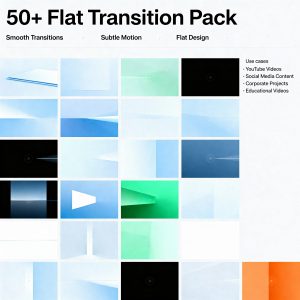
50+ Flat Transition Pack
Original price was: 12,99 €.5,99 €Current price is: 5,99 €. Add to basket -
Adobe Premiere Pro Assets
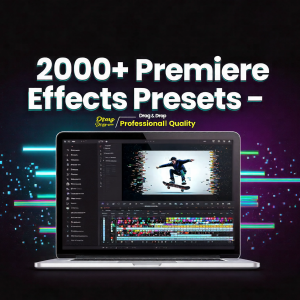
2000+ Premiere Effects Presets with Simple Install (NewBlue TotalFX5)
Original price was: 16,99 €.11,99 €Current price is: 11,99 €. Add to basket -
Adobe Premiere Pro & After Effects
100 Transitions Pack for Premiere Pro
Original price was: 9,99 €.4,99 €Current price is: 4,99 €. Add to basket -
Adobe Premiere Pro Assets
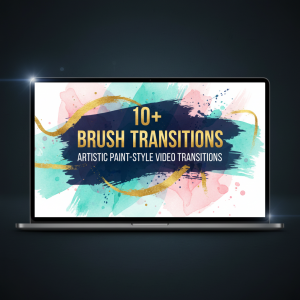
10+ Brush Transitions – Artistic Paint-Style Transitions for Creative Video Editing
Original price was: 9,99 €.6,99 €Current price is: 6,99 €. Add to basket